





WordPress Tech Review
 Ash Tabaei
A Brief History
WordPress launched in May 2003 as a fork of the b2/cafelog blogging platform, created by Matt Mullenweg and Mike Little. Over two decades it has grown into the most widely deployed content management system in existence, powering an estimated 43% of all websites globally. That figure is both a testament to WordPress’s reach and a source of its most persistent misunderstanding: the gap between what WordPress can do in professional hands and what most WordPress sites actually deliver is enormous.
The platform’s architectural evolution divides cleanly into three eras. The pre-Gutenberg era (2003 to 2018) established WordPress as the default CMS, with the classic TinyMCE editor and a PHP template hierarchy that developers could extend with precision. The Gutenberg era (2018 onwards) introduced the block editor as the new editorial interface and, controversially, the foundational layer for Full Site Editing (FSE). The headless era (2020 onwards) decoupled WordPress’s content management from its front-end rendering, enabling React and Next.js frontends powered by WordPress’s REST API or WPGraphQL.
The block editor’s 2018 introduction fractured the professional WordPress community. A significant portion of professional builders rejected Gutenberg’s paradigm entirely. The ClassicPress fork emerged as a direct response. More practically, the dominant professional workflow in 2026 treats Gutenberg as largely irrelevant: Elementor Pro, Bricks Builder, and Oxygen Builder own the design layer, while plugins like JetEngine handle dynamic content, and the native editor is bypassed almost entirely.
The 2024 Automattic and WP Engine dispute introduced genuine governance risk into the conversation for the first time. Matt Mullenweg’s public actions against WP Engine, including temporarily restricting their access to WordPress.org plugin updates, raised legitimate questions about the governance structure of a platform on which millions of businesses depend. The dispute resolved, but it established that WordPress.org is not a neutral commons and that Automattic’s commercial interests can directly influence platform access decisions.
The Professional WordPress Stack in 2026
Understanding WordPress in 2026 requires separating WordPress-as-platform from WordPress-as-native-editor. Professional agencies and serious builders are not using the Gutenberg block editor or Full Site Editing for production client work. The professional stack looks substantially different from what the WordPress project officially promotes.
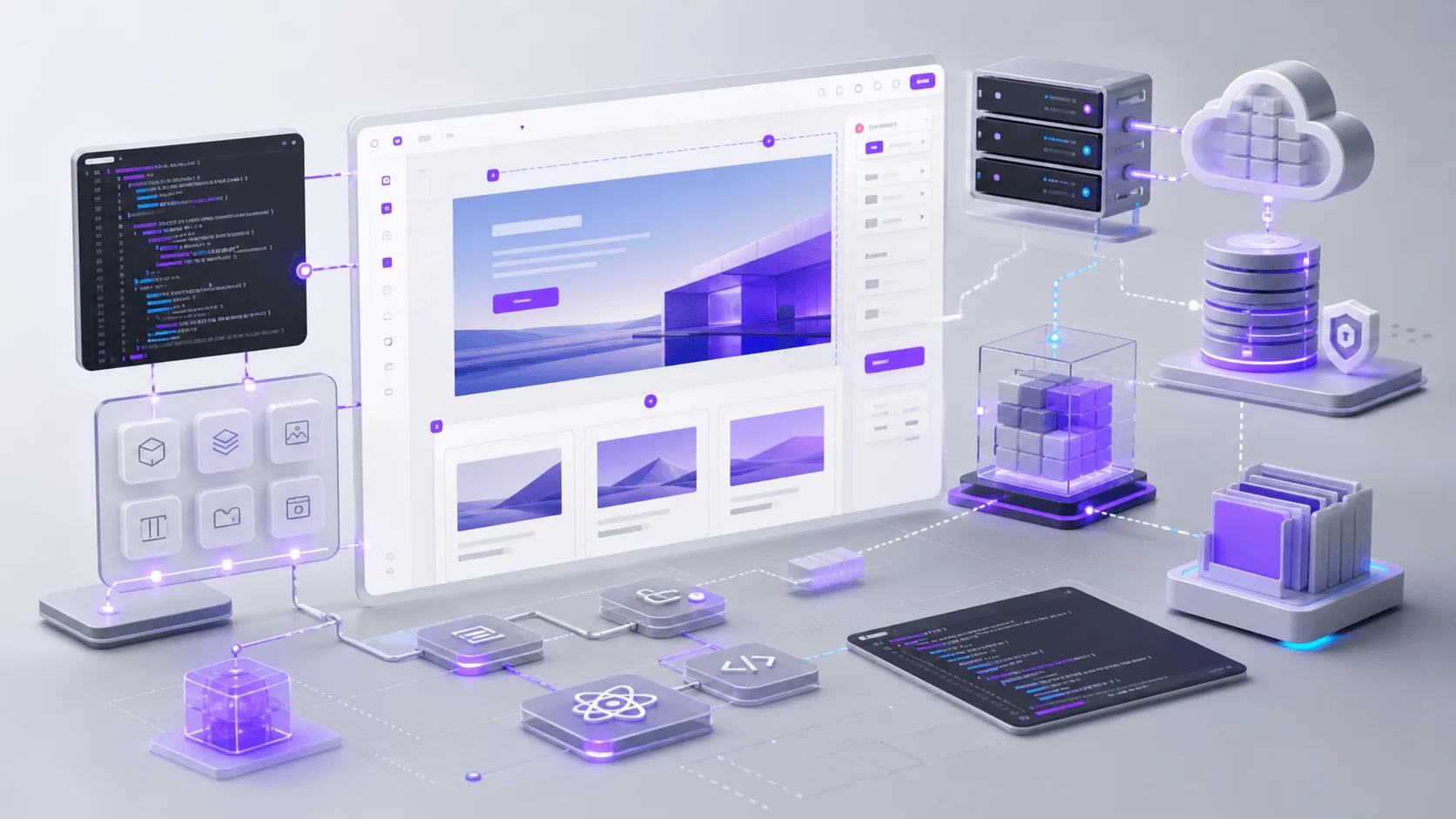
- Page builder: Elementor Pro or Bricks Builder handles all layout, responsive design, and design system implementation. Both generate their own CSS and render at the template level, making WordPress’s native template hierarchy largely irrelevant to the visual output. Bricks in particular is purpose-built for performance and developer-friendly customisation, generating clean and minimal markup.
- Dynamic content and custom post types: JetEngine manages custom post types, taxonomies, custom fields, relationship fields, dynamic listing templates, and booking and scheduling modules. It provides a complete front-end rendering layer for dynamic content that integrates tightly with both Elementor and Bricks, enabling complex data-driven sites without custom back-end development.
- SEO: Rank Math provides schema markup, sitemap management, on-page analysis, breadcrumb configuration, and local SEO implementation, all deeply integrated with the content model and the builder’s output.
- Performance: A caching layer using WP Rocket or LiteSpeed Cache, combined with image optimisation and CDN delivery via Cloudflare or BunnyCDN, is non-negotiable for production performance. Core Web Vitals compliance on WordPress requires deliberate investment, not default configuration.
- Security: A Web Application Firewall at the DNS level via Cloudflare, or a plugin-based solution like Wordfence, combined with managed hosting at a reputable WordPress-specific provider such as Kinsta, WP Engine, or Cloudways, forms the security baseline.
This stack is powerful, flexible, and capable of delivering sites that would require bespoke development in other environments. It also means that the professional WordPress practitioner of 2026 is effectively a specialist in a specific plugin ecosystem that happens to run on WordPress core. The platform’s value is inseparable from the expertise that implements it.
Major Benefits
- Complete infrastructure ownership: Self-hosted WordPress running on a VPS or managed WordPress host means full data ownership, no platform lock-in, and infrastructure costs that scale predictably. The site’s continued existence does not depend on a SaaS vendor’s pricing decisions or platform continuity.
- Unmatched ecosystem depth: Over 60,000 plugins, 10,000 themes, and a global developer community mean that virtually any functional requirement has an existing solution. WooCommerce alone powers nearly 40% of all online stores globally.
- Dynamic content without custom development: JetEngine’s combination of custom post types, relationship fields, dynamic listing templates, and booking modules enables database-driven sites including directories, membership platforms, event listings, and service portals without writing back-end code.
- Design freedom with professional builders: Elementor Pro and Bricks Builder provide pixel-level layout control, a complete design token system for global colours, typography, and spacing, and component-level reuse across the site. The design output is competitive with purpose-built visual builders.
- SEO tooling depth: No platform matches WordPress’s SEO implementation depth. Rank Math delivers schema markup, breadcrumb configuration, sitemap control, and local SEO management with a level of granularity that closed platforms cannot replicate.
- Headless capability: WordPress’s REST API and WPGraphQL enable decoupled architectures where a React or Next.js frontend consumes WordPress content. This retains CMS familiarity for content editors while delivering modern frontend performance metrics.
- Talent availability: The global pool of WordPress developers, designers, and specialists is larger than any competing CMS. Finding support, hiring, and contracting expertise is comparatively straightforward at most budget levels.
Major Limitations
- Gutenberg is not the professional workflow: The block editor and Full Site Editing represent the WordPress project’s official direction, but professional builders bypass both entirely. This creates a widening gap between WordPress’s officially promoted paradigm and the actual professional stack. Teams evaluating WordPress should understand clearly that the Gutenberg experience described in official documentation is not the experience delivered by Elementor Pro or Bricks Builder. For agencies building production sites, the block editor is largely irrelevant.
- Maintenance overhead is non-negotiable: Every production WordPress site requires active ongoing maintenance including core updates, plugin updates, theme updates, and security monitoring. WordPress’s ubiquity makes it the highest-value target for automated exploits globally. Sites left unmaintained accumulate vulnerabilities at pace. A maintenance budget is not optional.
- Performance requires deliberate investment: A default WordPress installation will not pass Core Web Vitals without caching, database optimisation, image delivery optimisation, and code minification. These are required infrastructure investments at every tier of professional deployment.
- Plugin quality is uneven: The open ecosystem’s strength is also its operational risk. Plugin code quality varies significantly across the directory. A widely used plugin abandoned by its maintainer becomes a security liability. Plugin conflicts on update are a recurring issue in complex multi-plugin environments.
- Governance uncertainty post-2024: The WP Engine dispute established that Automattic’s commercial interests can influence access to WordPress.org infrastructure. For most sites this has no daily practical impact, but it introduces a governance consideration that organisations evaluating long-term platform risk must now account for.
- AI integration is retrofitted, not native: WordPress does not have native AI capabilities built into its architecture. AI writing assistance, AI image generation, and AI-assisted design are added via third-party plugins with varying quality and integration depth. Newer platforms are building AI into their core editing experience from the ground up. WordPress is responding through its plugin ecosystem, which will always lag a natively integrated approach.
- PHP legacy architecture: WordPress is built on PHP, and while the language has modernised considerably through PHP 8.x, the WordPress codebase carries substantial legacy technical debt. Application-layer performance is bounded by architectural decisions from the early 2000s in ways that modern JavaScript runtimes are not.
WordPress in 2026: AI Workflows and Platform Disruption
The broader software development landscape is under genuine disruption in 2026. AI coding tools including Cursor, GitHub Copilot, and Claude Code have substantially lowered the barrier to custom web development. Code that previously required specialist knowledge can be scaffolded, debugged, and extended by non-specialists with AI assistance. This has two direct implications for WordPress’s market position.
First, the no-code value proposition of platforms like Elementor Pro faces pressure from below. AI-assisted development reduces the gap between needing to hire a specialist developer and being able to build something with capable AI guidance. For simple to moderate sites, teams are increasingly considering AI-assisted static site generation or fully managed platforms over the setup and maintenance overhead of a self-hosted WordPress installation.
Second, WordPress’s extensibility advantage is qualified when AI can generate custom code for any platform. The historic argument for WordPress was that there is a plugin for everything. The counter-argument in 2026 is that AI can build a solution for anything. The platforms that benefit most from this shift are those with clean, modern architectures that AI tools can reason about effectively and write for reliably. WordPress’s hook and filter system, while powerful, is not as legible to AI tooling as a well-structured modern React or component-based architecture.
At the same time, AI coding tools genuinely accelerate professional WordPress development when used correctly. Custom JetEngine configurations, Elementor custom widgets, WooCommerce extensions, and complex query loops that previously required deep WordPress PHP expertise are increasingly within reach of technically capable practitioners with AI assistance. This is a net positive for teams already invested in the WordPress ecosystem who know what they’re building toward.
The headless WordPress model is gaining genuine enterprise traction in 2026. As the Next.js ecosystem matures and the performance advantages of React-based frontends are well understood, larger organisations are adopting WordPress as a content backend while running their public-facing frontend on modern JavaScript infrastructure. This positions WordPress as infrastructure rather than a full-stack platform, a role it can fill effectively but one that requires technical sophistication to implement correctly.
The direct competitive pressure from AI-native site builders is worth noting. Platforms like Framer are integrating AI into their core design-to-production workflow in ways that reduce time-to-live for standard marketing sites significantly. For straightforward marketing and brochure sites, this pressure is real and growing. WordPress’s response through its plugin ecosystem rather than its core architecture will be slower and less cohesive than competitors with unified AI-integrated product roadmaps.
Best Use Case
WordPress is at its strongest when the requirement is a complex, content-rich, dynamically driven website that needs full data ownership and long-term extensibility. The canonical high-performance configuration – combining Elementor Pro or Bricks for layout, JetEngine for dynamic post types and listing templates, Rank Math for SEO, and WooCommerce or JetEngine Booking for transactional requirements – is a high-capability, maintainable stack that closed platforms cannot replicate without significant compromise.
Specifically well-suited for:
- Multi-service professional services firms with complex content hierarchies and dynamic service or case study listing requirements
- Directories, portals, and listing sites built on JetEngine custom post types with front-end filtering and relational data structures
- WooCommerce-based e-commerce with custom product types, complex catalogue structures, or deep third-party integrations
- Membership sites, LMS platforms, and subscription-gated content architectures requiring granular access control
- Organisations with in-house development capability or a reliable specialist WordPress agency relationship
- Sites requiring deep technical SEO control, custom schema implementation, and ongoing SEO-driven content strategy
- Headless implementations where WordPress manages content but a React or Next.js frontend handles presentation and performance
Danger Zone (Worst Use Case)
WordPress is a poor choice when the requirement is simple, the team has no technical maintenance capacity, or speed-to-market and ease of design iteration are the overriding constraints. The platform’s power comes with proportionate overhead. Deploying that overhead without the capability to manage it is a net-negative outcome.
Avoid WordPress when:
- The site is a simple brochure of 3 to 5 pages with no dynamic content and no dedicated maintenance budget. The attack surface is disproportionate to the requirement, and the setup overhead is unjustified at this scale.
- The team has no WordPress expertise and no ongoing agency relationship. An unmanaged WordPress site is a security liability, not a business asset.
- The primary goal is speed of design iteration with minimal technical overhead. Webflow or Framer will significantly outperform a WordPress-based approach on this dimension.
- The organisation requires contractual platform SLAs and vendor accountability that an open-source community project cannot provide.
- The project timeline does not accommodate the setup, configuration, and testing overhead of a properly built professional-stack WordPress site.
- The client or internal team expects to self-manage the site without any technical assistance. The maintenance requirements of a properly configured WordPress installation are non-trivial and non-optional.
Verdict
WordPress remains the most capable open-source CMS in 2026, but its value is not evenly distributed. The platform earns its dominance when deployed correctly: with a professional builder, a dynamic content layer, a proper performance stack, and active ongoing maintenance. In those conditions, WordPress is genuinely difficult to match on capability, cost of ownership, and long-term extensibility.
The honest assessment is that the majority of WordPress’s 43% market share is running sites that would be better served by a simpler tool. A self-hosted blog, a five-page business site, and an unmaintained WooCommerce store are all technically WordPress, but they share no meaningful resemblance to what the platform delivers in professional hands. Evaluating WordPress on the basis of its average deployment is like evaluating a professional kitchen by its least experienced operator.
For businesses evaluating platforms in 2026: WordPress is the right choice if you have a complex dynamic requirement, value data ownership, and have access to professional implementation through the right tool stack. The Gutenberg editor is not that stack. Elementor Pro, Bricks Builder, and JetEngine are. Understand the difference before committing.
Rating: 9/10 for the right use case. 4/10 for the wrong one.